Step counter
Lesson 4 of 6
MakeCode
7-11 yrs
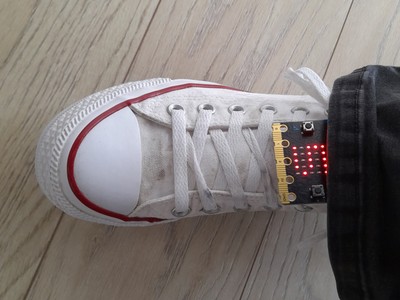
Introduce variables to track your step count and begin to use the accelerometer input.
Key learning:
- Understand how sensor inputs from the accelerometer can be used to detect movement, such as when a step is taken.
- Understand that variables are used to keep track of the current step count.
- Understand that the order of instructions is important: display the variable’s value after updating it, not before.
- Apply this learning to build a practical, real-world project.
Computer systems:
Input/output
Sensors
Programming:
Variables